Supporting conversation and connection
We are delighted to introduce Aphasia Duo, a set of two new symbol supported vocabularies designed for people who have aphasia. Available now in Grid AAC software.
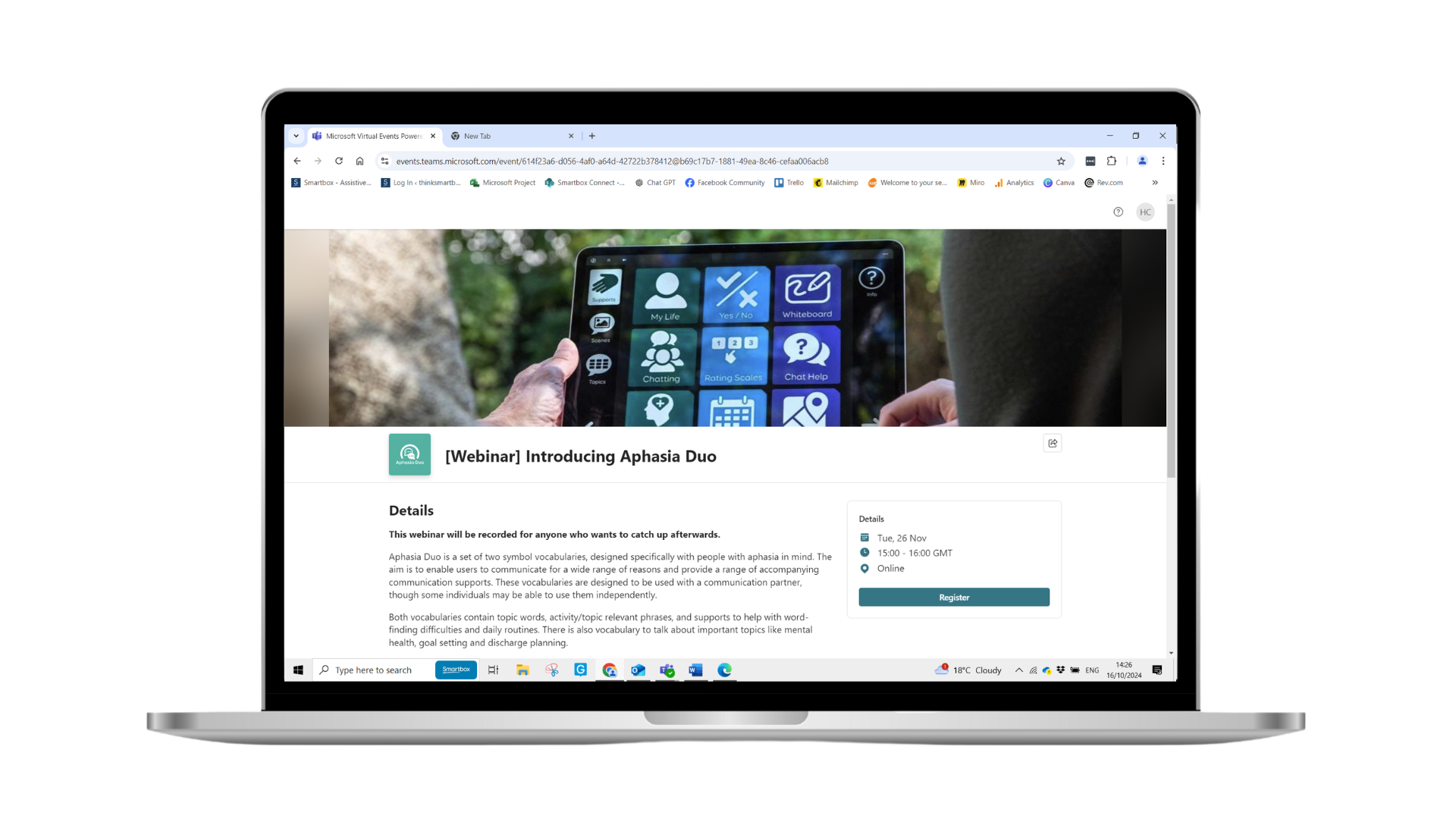
It aims to enable people with aphasia to communicate for a wide range of reasons, using words, phrases and sentences, supporting them to participate more fully in their every day lives. From talking about your family, your daily routine, and your hobbies, through to talking about mental health, therapy goal setting and finances. Try Aphasia Duo today with a free trial of Grid AAC software, available for Windows, or iPad. Visual Scenes Whiteboard My Life Sentence starters Maps Learn all about our brand-new aphasia content in our live webinar on Tuesday 26 November. We will cover: This webinar will be recorded for anyone who wants to catch up afterwards. What is Aphasia Duo Both Aphasia Duo 9 and Duo 16 include more than a dozen different communication supports, 60 pre-populated visual scene grids to support conversation about a range of topics and situations, and more than 20 topics containing hundreds of useful words. Designed to support people with word-finding difficulties, but also support interaction and connection, through conversations, Aphasia Duo supports communication throughout your day. Aphasia Duo is designed to meet the needs of a wide range of people, by including a wide range of communication tools to choose from. Use the parts of Aphasia Duo which are most useful now, whilst keeping the option to use other parts of the vocabulary in the future, as the strengths and needs of someone with aphasia may change over time. Is it just for people with aphasia? Which languages is Aphasia Duo available in? What symbol sets is Aphasia Duo available in? How can I get Aphasia Duo? What access methods can be used with Aphasia Duo? The Whiteboard feature can only be used with touch access. Aphasia Duo can be used with a keyguard to support touch access if needed. What research and clinical experience is Aphasia Duo’s development based on? Specifically, the grid sets incorporate many supports and features which are known to help people with aphasia to communicate such as: How do I decide between Duo 9 and 16? Aphasia Duo 16 has access to more vocabulary on each grid, with more potential to combine phrases and words to form sentences. This may therefore be suited to individuals who have less severe aphasia. Duo 16 also has some additional word-finding supports, so may be more suited to individuals with relative strengths in their understanding of spoken language, where word-finding difficulties may be their primary difficulty. In some cases, it may be helpful to try out both grid sets with an individual, to see which is most suitable for their strengths and needs. How can I add or remove words and phrases in Aphasia Duo? Editing word lists does not need you to go into Edit mode, you can simply go to the menu, and select Edit word list. If you are already familiar with Edit mode however, you can also edit word lists from there. You can find more information on editing word lists in Aphasia Duo, and personalising vocabulary, in the Aphasia Duo manual. What supporting resources are there to go alongside the vocabularies? Communication partners and professionals may also find the ‘Developing Communication Partner Skills’ course on Smartbox Academy useful.
Why choose Aphasia Duo?
Visual scenes can support independence and participation in a range of activities. Personalise the photos and text to make them more relevant and useful.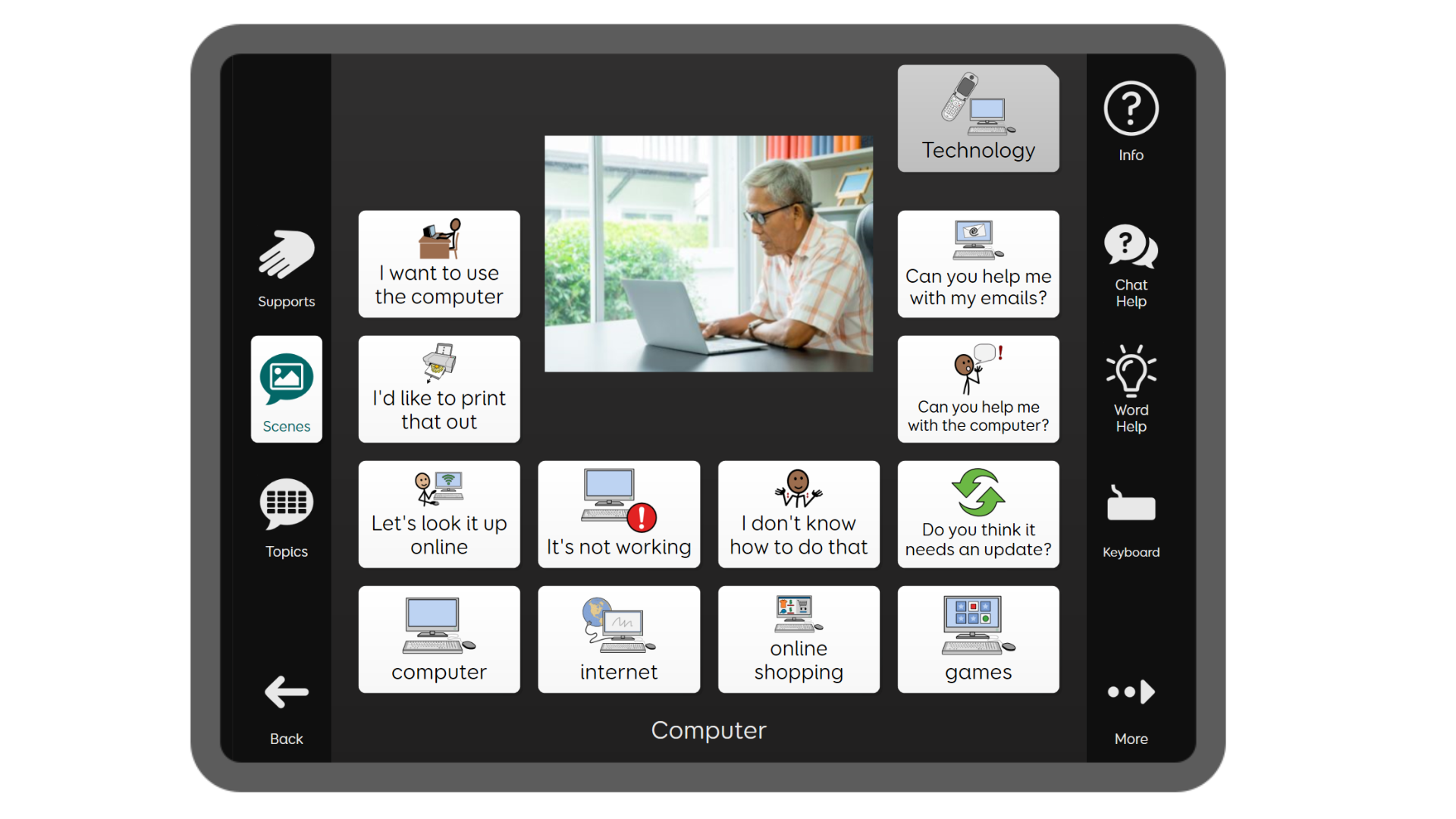
People who have aphasia often use many methods of communication. Drawing in particular, has been shown to support word finding.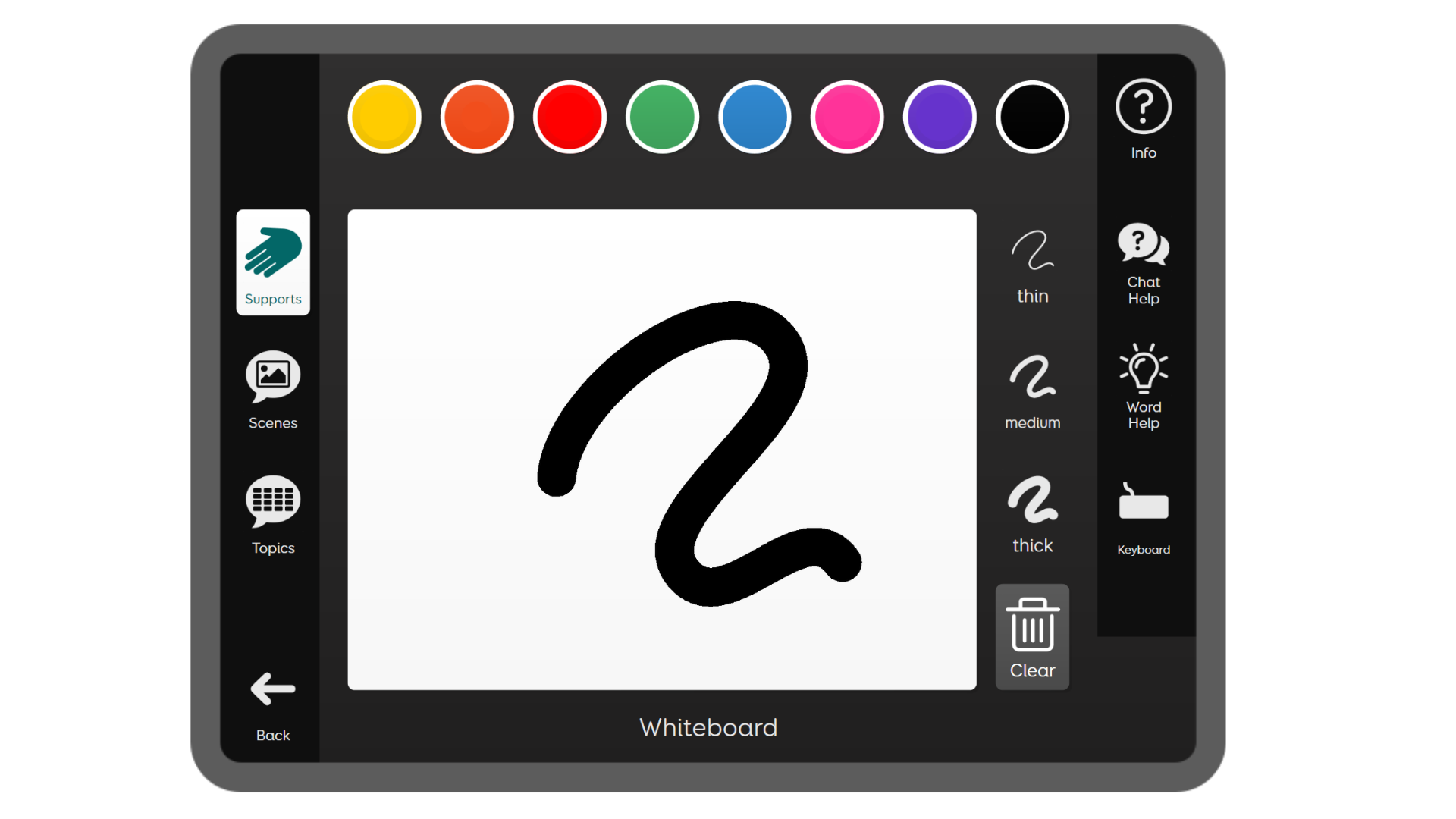
These grids are intended to be personalised with information about you, your hobbies, health, communication strengths and needs, and personal news.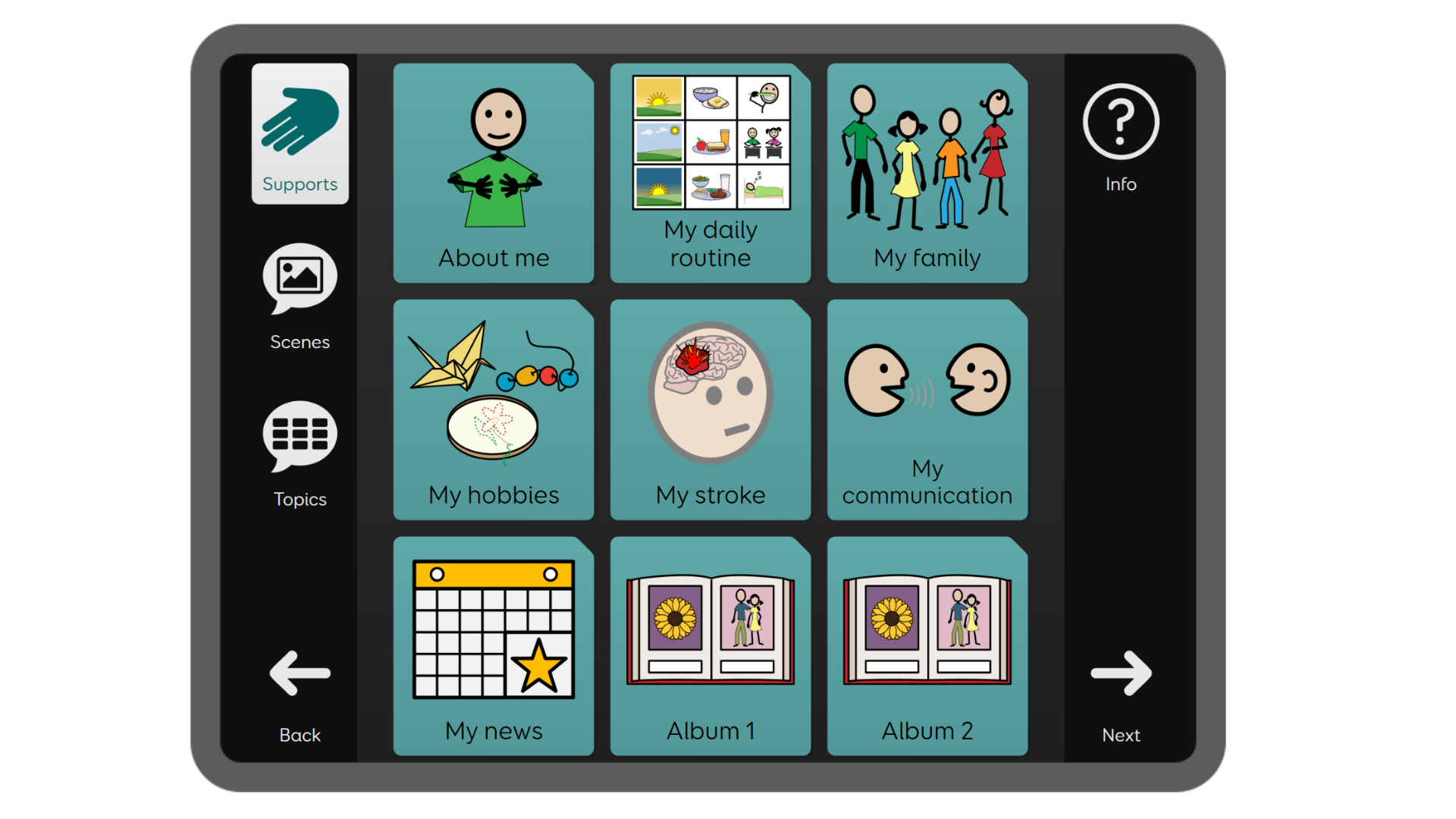
In Duo 16, the Topic grids contain sentence starters to help you quickly build a message using just one or two selections.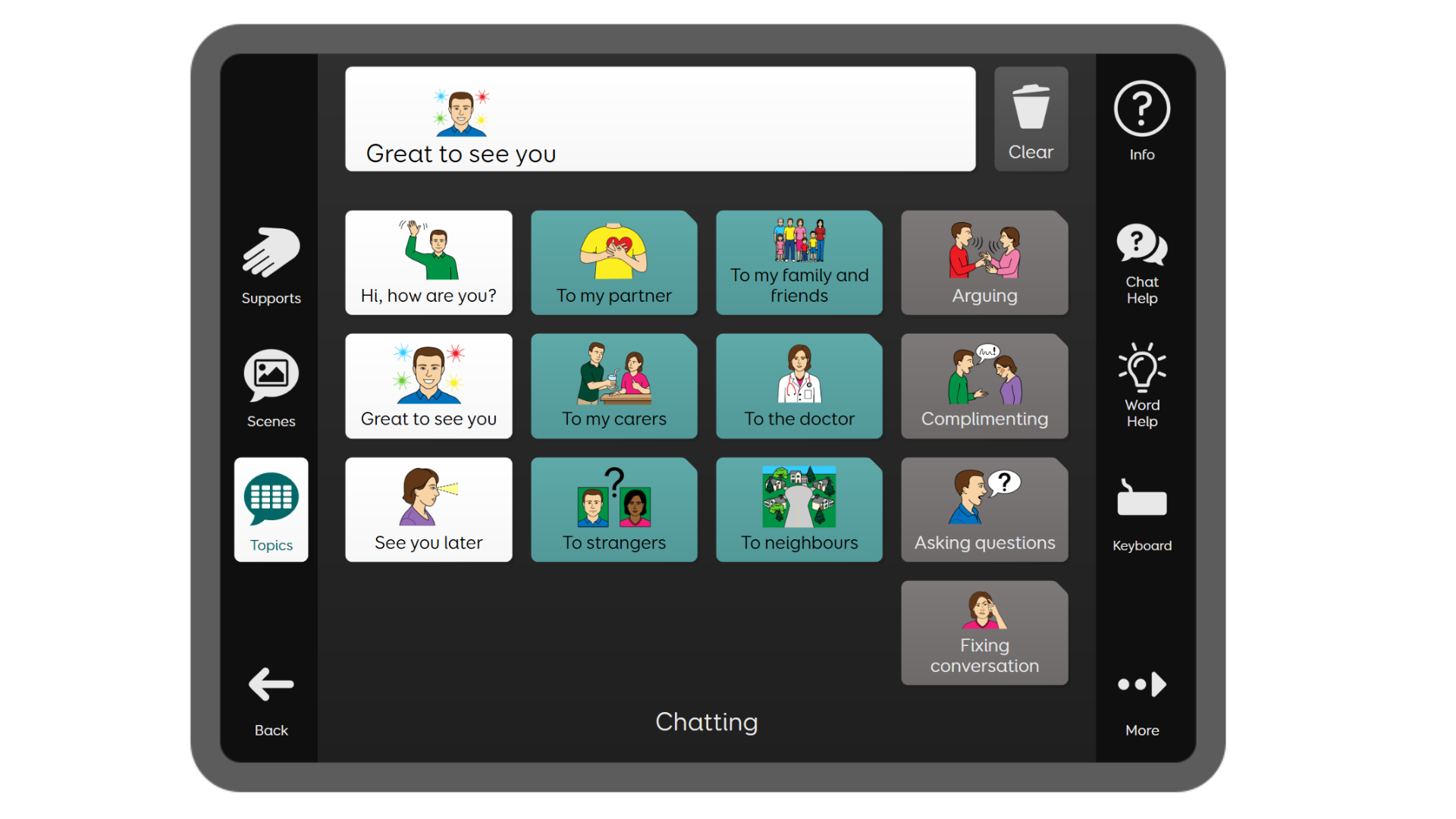
Maps are a great tool to support conversations about where you are from, where you have travelled to or where you want to go.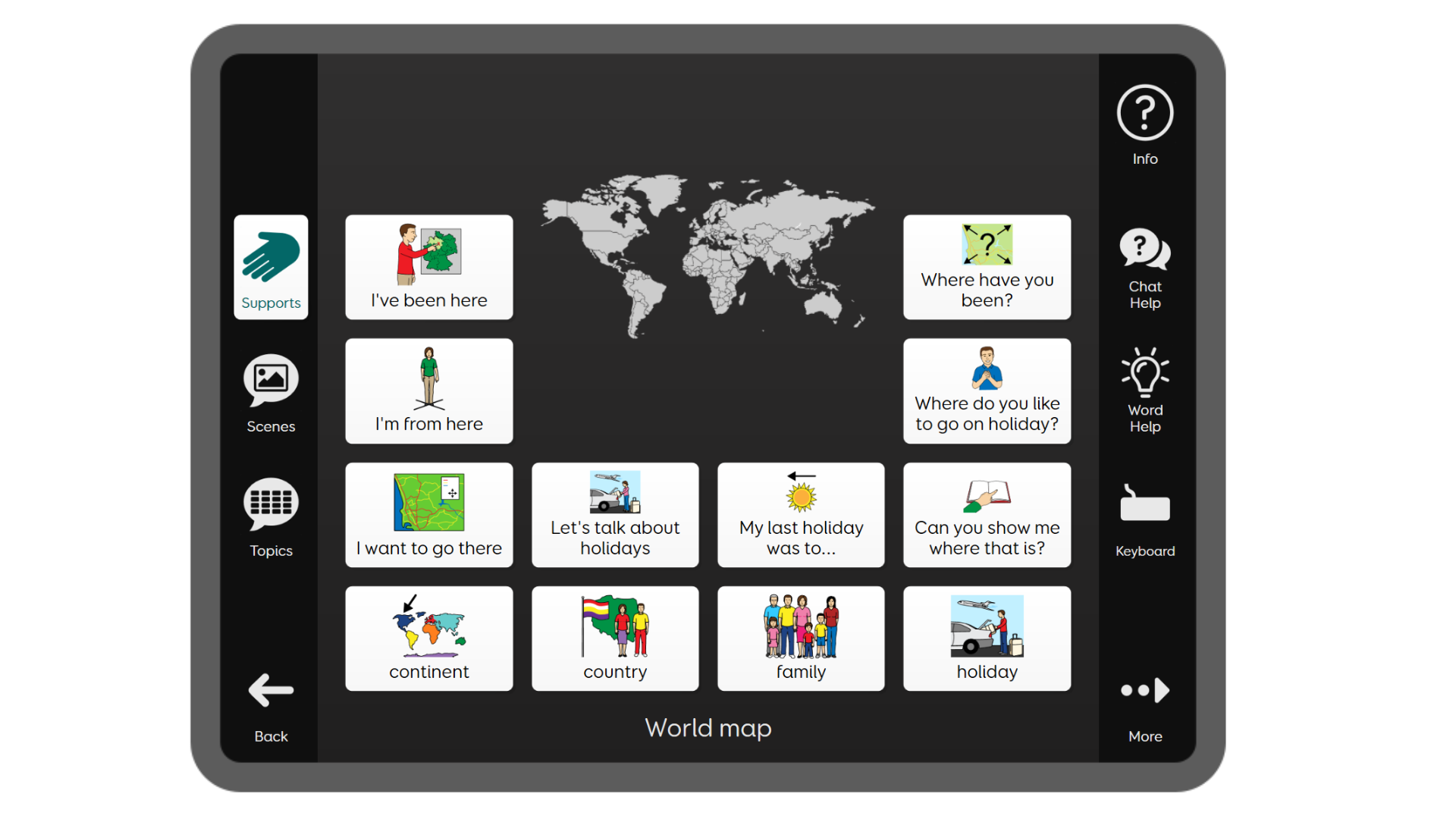
Join the Aphasia Duo launch Webinar
FAQs
Aphasia Duo is a set of two symbol vocabularies, designed specifically for people with aphasia. It aims to enable people with aphasia to communicate for a wide range of reasons, using words, phrases and sentences, supporting them to participate more fully in their every day lives. From talking about your family, your daily routine, and your hobbies, through to talking about mental health, therapy goal setting and finances.
Aphasia Duo was designed specifically for people with aphasia, on the basis of clinical research and evidence as to how best to support people with aphasia. However, it is possible that Aphasia Duo, or some of the supports and features within it, could be helpful for other people with different conditions.
Aphasia Duo is currently available in UK English, US English and German.
At launch, Aphasia Duo will be available in PCS Thin Line, with Widgit and Symbol Stix versions coming soon.
You will need Grid software, for Windows or iPad.
The Aphasia Duo grid sets are included with Grid, and can be added via the menu, by going to Add Grid Set – Symbol Communication. Please make sure you have Grid version 94 or above.
As well as touch access, Aphasia Duo can be used with a variety of alternative access methods including eye gaze, mouse/pointer and switches. Rest cells are included throughout the grid sets and these will become visible if one of these alternative access methods is enabled with dwell to select.
A comprehensive review of the research literature was completed during the development of Aphasia Duo, including the most recent research. Experts in aphasia and AAC from across the world were also consulted during development.
Aphasia Duo 9 may be better suited to people with more severe language, cognitive, visual or physical difficulties (or a combination of these), as there are fewer cells on each grid, meaning that the symbols and text are larger than in Duo 16. Duo 9 is designed to be simpler in key ways, such as reduced vocabulary, and with fewer items on each grid, it is visually simpler.
Throughout both grid sets, words lists are used, making it quick and easy to add or remove vocabulary, in both Grid 3 and Grid for iPad.
There are comprehensive manuals for Duo 9 and Duo 16 on the Smartbox Hub, as well as video content on the website and Smartbox Academy. These videos will focus on key features and how to use or edit Aphasia Duo.